


使い方
Help
マイナンバーカード連携
マイナンバーカード連携の説明
本人確認で
もっと美村パスポートを便利に
美村パスポートではxID(クロスアイディ)アプリを利用しマイナンバーカードと連携します。
マイナンバーカードを連携をすることで今後美村パスポートのサービスで本人確認が必要な際にご利用いただけます。
お手元にマイナンバーカードをご用意いただき、xID(クロスアイディ)アプリをインストールください。
なお、初回設定時はマイナンバーカードの署名用パスワードも必要になります。
マイナンバーカードを連携をすることで今後美村パスポートのサービスで本人確認が必要な際にご利用いただけます。
お手元にマイナンバーカードをご用意いただき、xID(クロスアイディ)アプリをインストールください。
なお、初回設定時はマイナンバーカードの署名用パスワードも必要になります。
xID(クロスアイディ)アプリのインストール
手順1: 以下のURLより xID(クロスアイディ)アプリをインストールしてください。


手順2:xID(クロスアイディ)アプリをインストールした後に、xID(クロスアイディ)アプリでIDを作成します。ID作成の手順は下記のサイトをご確認ください。
xID(クロスアイディ)アプリの利用手順
手順1: 連携される場合は[マイナンバーカード連携]を押し[アプリを開く]を押してください。
xID(クロスアイディ)アプリが起動し認証画面が表示されますので認証をおこなってください。
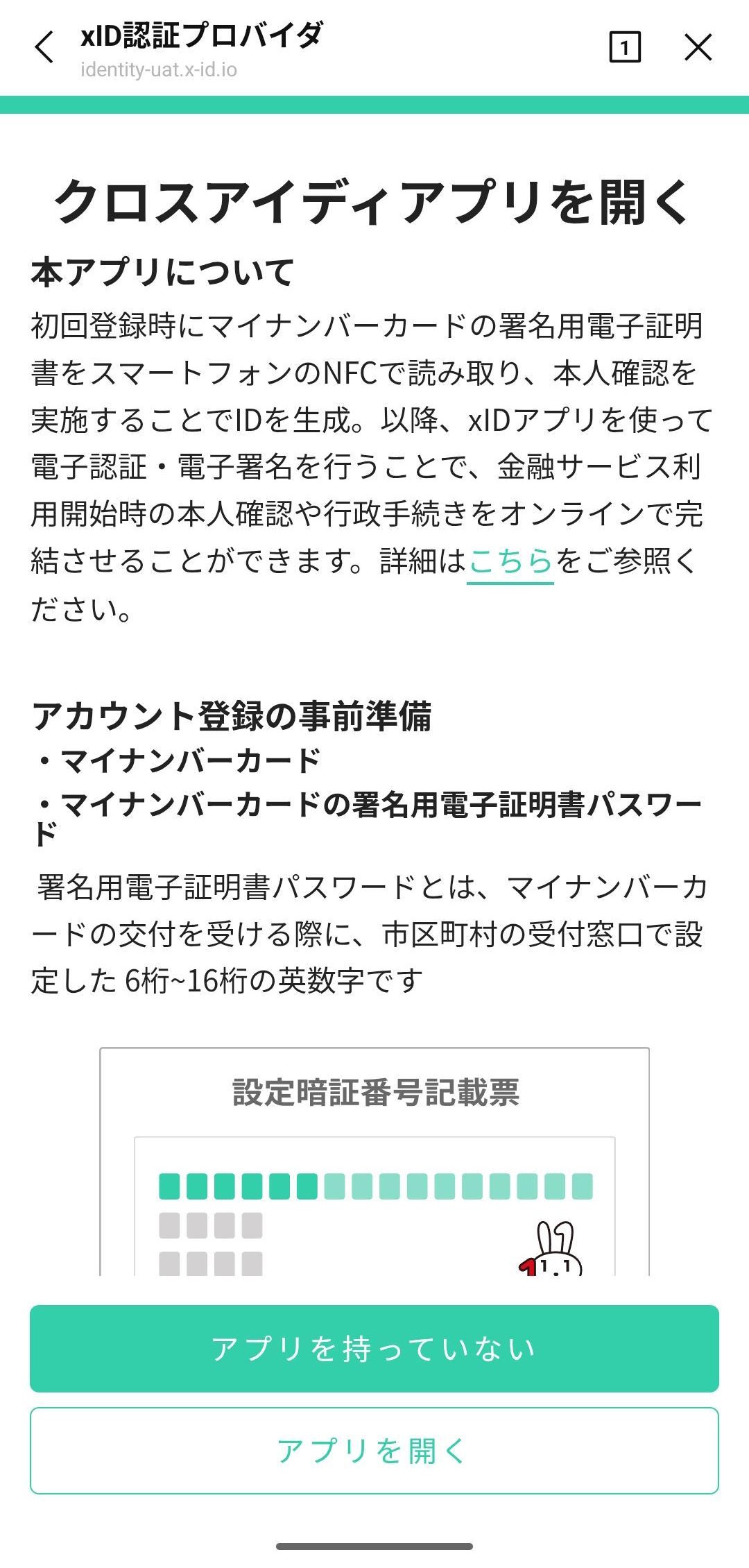
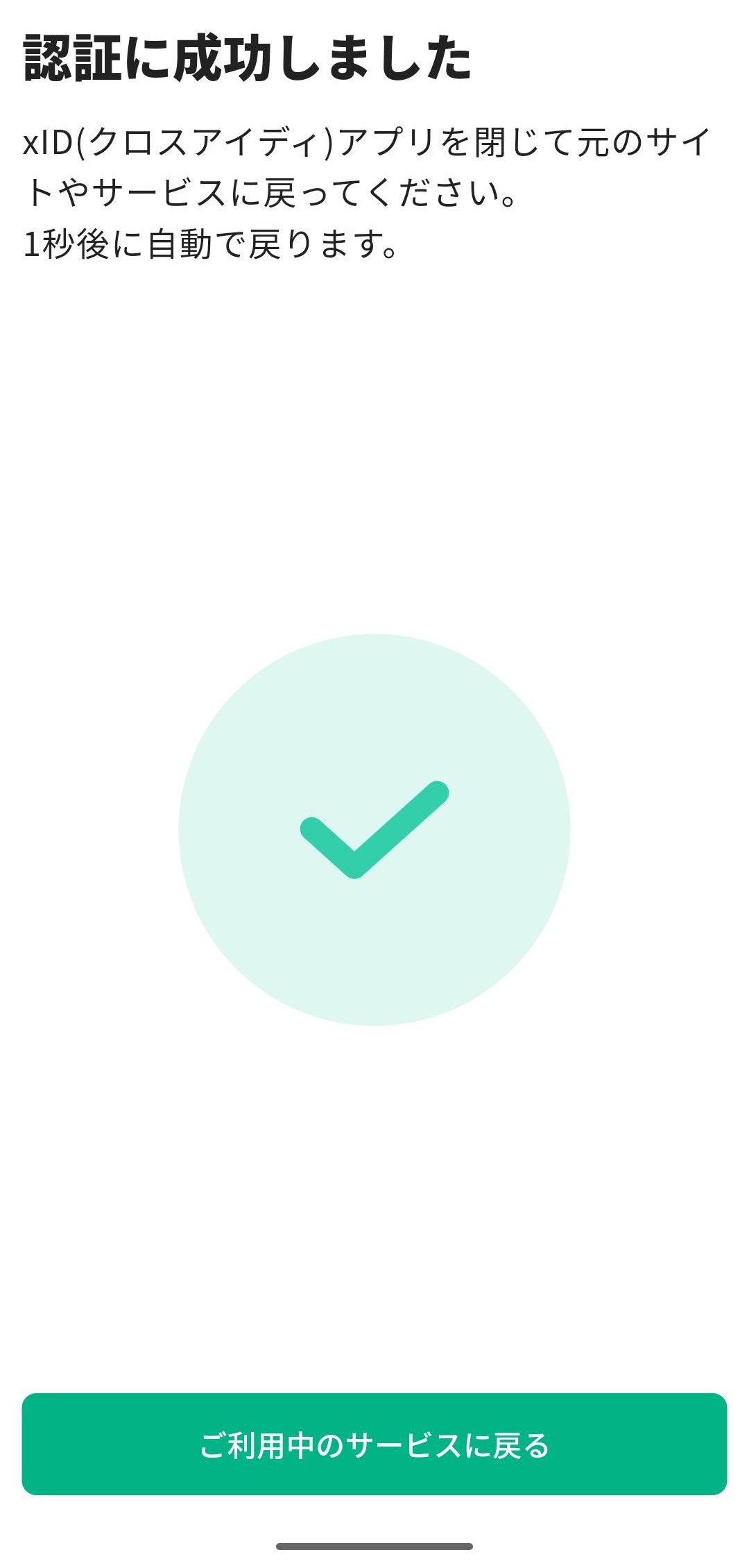
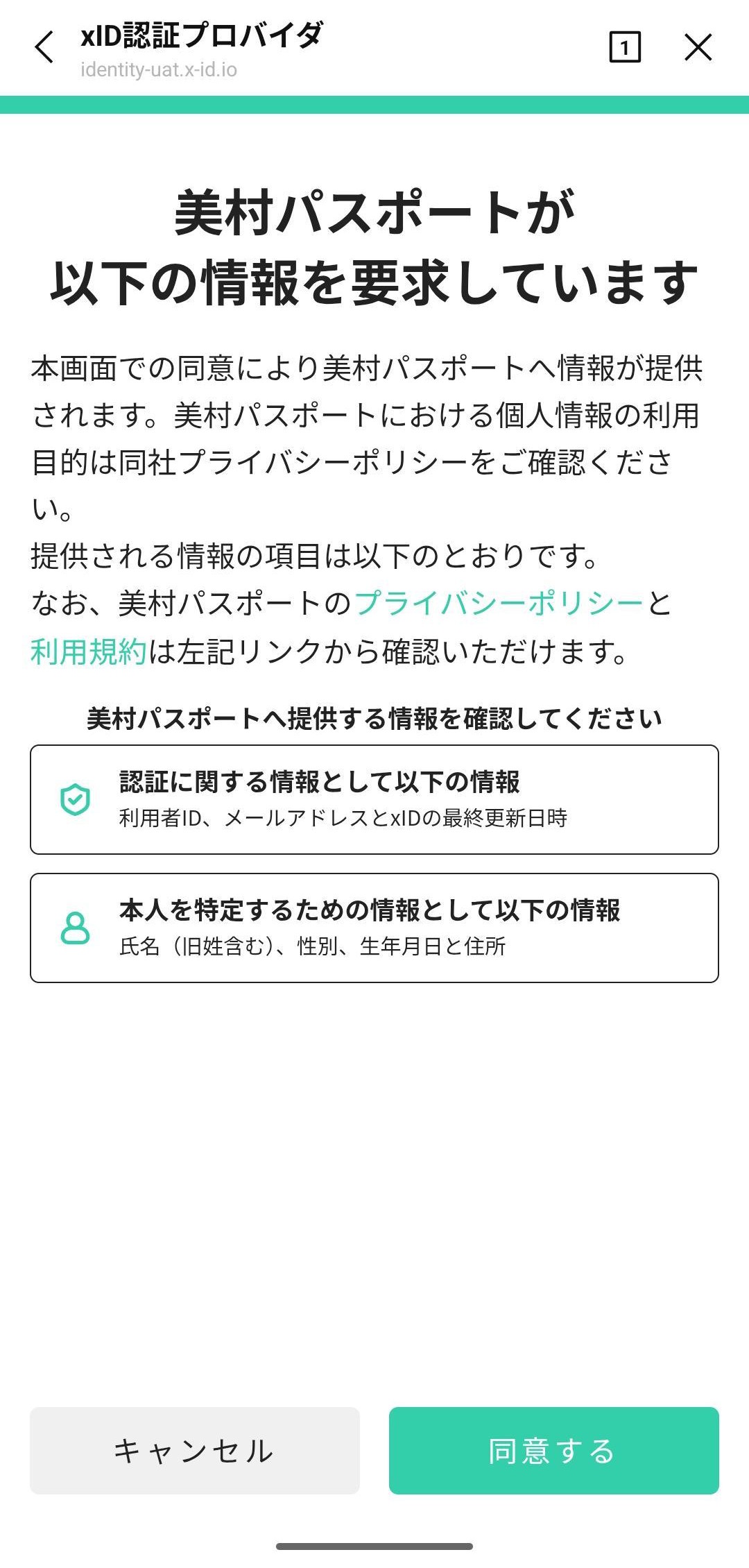
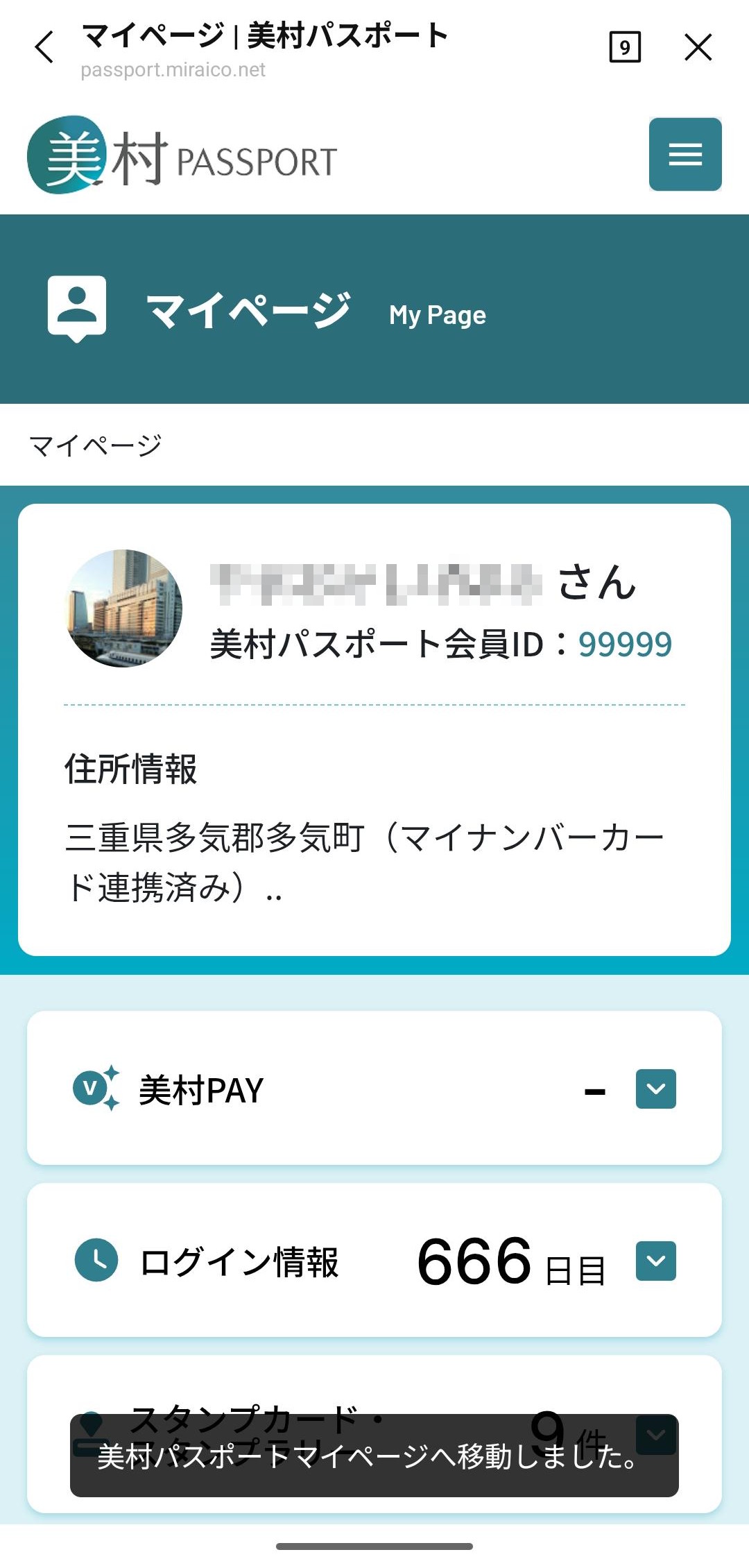
手順2:xIDアプリにて美村パスポートの利用確認が表示されます。[同意する]を選び進めていただくと美村パスポートとの連携が完了し、マイナンバーカード連携済みと表示されます。
 使い方へ戻る